If your B2B Google Ads account has been running for more than a month, I can almost promise some of your budget went to people looking for jobs, free templates or a college assignment. Negative keywords for B2B are the cheapest fix for that wasted spend, but only if you set them up correctly. Below you will find a starter list grouped by theme, how negative match types actually behave (they are not the same as normal match types), where each negative should live, and the weekly routine I use.
Why negative keywords for B2B matter more
A consumer brand can afford some loose traffic because its audience is huge and buying is quick. A B2B company selling, say, payroll software to mid-sized firms has a much smaller pool of real buyers, and every profession it sells to also has students studying it and people trying to get hired into it.
Google's matching has also become broader over time. Broad match keywords can now trigger ads for related searches that don't contain your exact words. That is useful when Google knows what a qualified lead looks like, and expensive when it doesn't. Negatives are how you draw the edges.
They help in two ways. The obvious one is fewer wasted clicks. The less obvious one, which WordStream points out, is that irrelevant impressions drag down your click-through rate, which affects Quality Score and therefore what you pay per click (WordStream).
How negative keyword match types actually work
This is the part most guides get slightly wrong, so I'll stick closely to Google's own help page. The biggest difference from positive keywords: negative keywords do not match close variants. A negative for "jobs" will not block "job". You have to add singular, plural and synonyms yourself. Google does handle casing and misspellings automatically.
Using a hypothetical negative of hr jobs, here is how each type behaves:
| Negative match type | How you write it | Blocks | Does not block |
|---|---|---|---|
| Broad (default) | hr jobs | "hr jobs mumbai", "jobs in hr" | "hr job", "hr careers" |
| Phrase | "hr jobs" | "hr jobs mumbai", "remote hr jobs" | "jobs in hr", "hr job" |
| Exact | [hr jobs] | "hr jobs" only | "hr jobs mumbai", "jobs in hr" |
So negative broad blocks a search only when all the words are present, in any order. Negative phrase needs the words in the same order, with extra words allowed. Negative exact blocks only that exact search with nothing added.
Two practical consequences for B2B:
- Single word negatives are the workhorse. A broad negative of
jobsblocks every search containing that word. Addjobseparately. - Use exact for surgical cuts. If "crm" is a good keyword but "[crm full form]" keeps showing up, exact match removes that one search without touching anything else.
One more detail from Google: if a search is longer than 16 words and your negative appears after the 16th word, the ad can still show. Rare, but worth knowing when you see something odd.
Account-level negatives, lists and campaign negatives
Where you add a negative matters as much as what you add. Here is how I think about the three levels, with the current limits from Google Ads Help:
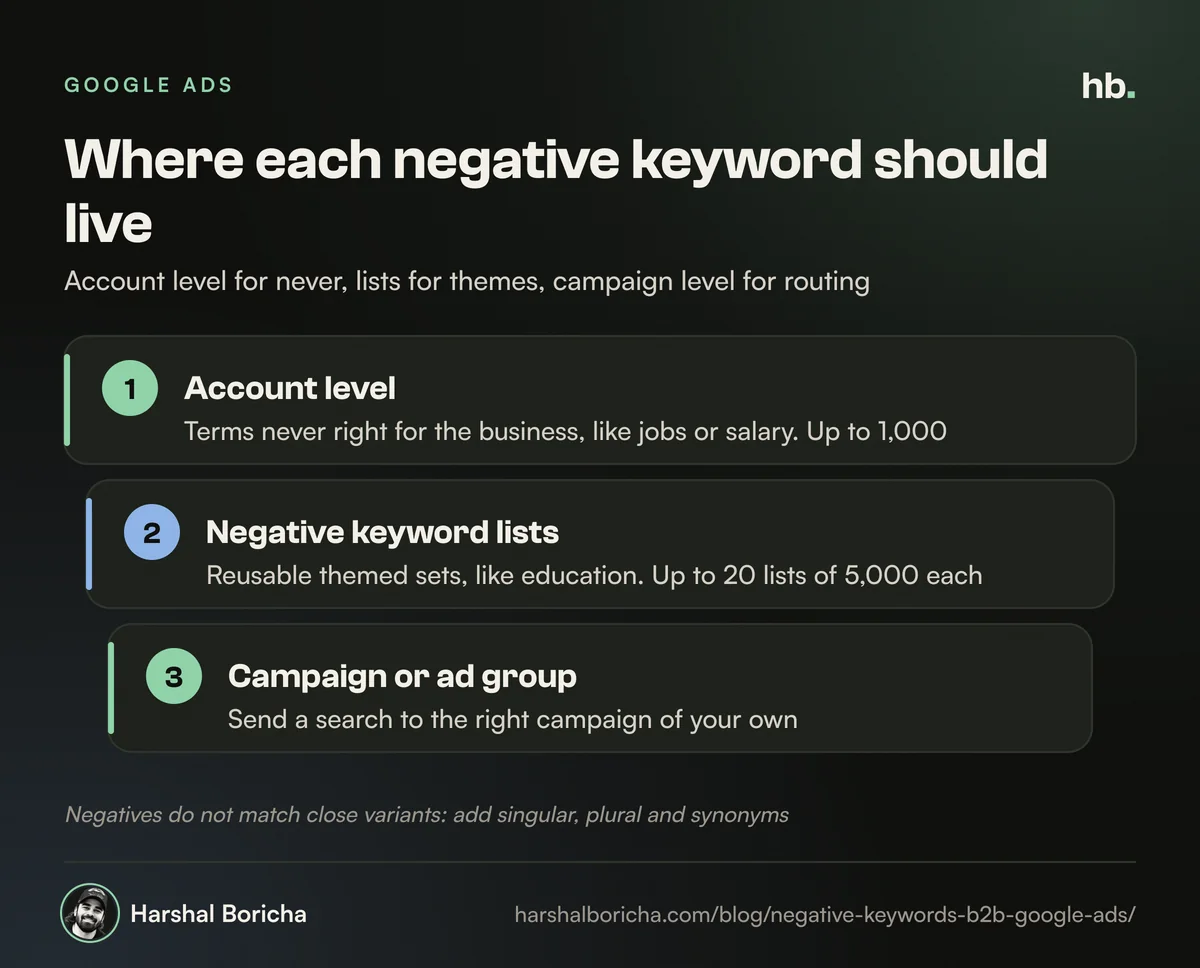
| Level | Limit | Applies to | I use it for |
|---|---|---|---|
| Account-level negatives | Up to 1,000 per account | Search and shopping inventory in Search, Performance Max, App, Shopping, Smart and Local campaigns | Terms that are never right for the business, like jobs, salary, free download |
| Negative keyword lists | Up to 20 lists, up to 5,000 negatives each | Any campaigns you attach them to | Themed sets you reuse, like "education" or "consumer" |
| Campaign or ad group negatives | Set per campaign or ad group | That campaign or ad group only | Routing traffic between your own campaigns |
Sources: account-level negatives and negative keyword lists. Search Engine Land reported in 2025 that some accounts were holding lists slightly over 5,000, but Google said the documented cap still stands (Search Engine Land). Plan for 5,000.
For Performance Max, you can now add negatives to a specific campaign or attach a list, and account-level negatives apply too. Google notes these only cover Search and Shopping inventory (Google Ads Help), so they will not stop a YouTube or Display placement. Display and Video handle negatives differently altogether.
My rule of thumb: account level for "never", lists for "not for these campaigns", campaign level for "send this search somewhere else".
A starter list of negative keywords for B2B
Treat these negative keywords for B2B as a starting point to review, not a list to paste in blind. Every row has a trap for some businesses, which I've noted.
| Theme | Example negatives | Suggested match type | Watch out if |
|---|---|---|---|
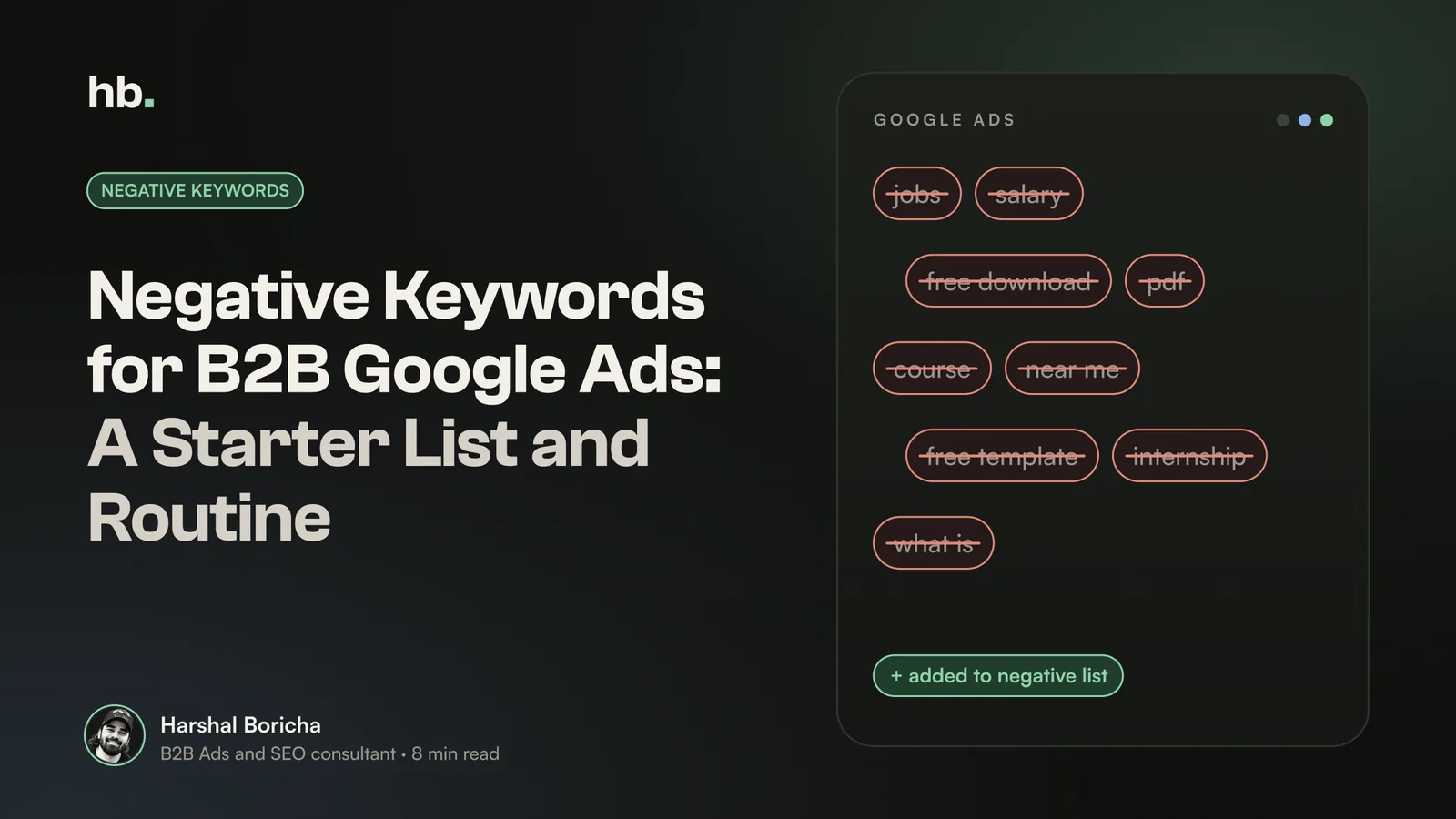
| Jobs and careers | job, jobs, career, careers, hiring, vacancy, salary, internship, resume, interview questions, naukri, walk in | Broad | You sell recruitment or HR software |
| Education and students | course, courses, certification, syllabus, notes, pdf, ppt, assignment, project report, thesis, mba, tutorial | Broad, review "course" carefully | You run corporate training |
| Free and cheap | free, free download, crack, cracked, apk, mod, torrent, cheap | Broad for most, phrase for "free download" | You offer a free trial or freemium plan; use exact for specific free searches instead |
| DIY and templates | template, sample, format, excel, diy, how to make, example | Broad or phrase | You sell templates or tools that compete with Excel |
| Consumer and personal | home, personal, for students, near me (for non-local firms), at home, family | Phrase | You have a genuine SMB or retail segment |
| Definitions and research | meaning, definition, full form, wikipedia, what is | Phrase or exact | You run awareness campaigns on purpose |
| Competitor careers and support | [competitor] login, [competitor] careers, [competitor] customer care, [competitor] support number | Phrase | Rarely a problem; these are existing customers or job seekers |
| Your own support traffic | [your brand] login, [your brand] support, invoice, password reset | Phrase, in non-brand campaigns | You run a deliberate brand defence campaign |
| Wrong geography or scope | Cities, states or countries you don't serve | Broad | You plan to expand there soon |
A few India specific notes. Job portal names and phrases like "walk in" are common in Indian job searches, so they belong in the jobs theme. Students often search with "pdf", "ppt" and "notes", which are rarely buyer words in B2B. And "near me" is worth excluding for SaaS or national suppliers, but not for a local industrial service.
HubSpot makes a fair warning here: overlong negative lists can shrink your reach, so focus on clear differences between what you sell and what searchers want (HubSpot). I agree. A short, deliberate list beats a giant downloaded one.
My weekly search terms report routine
The starter list blocks what you can predict. The search terms report catches what you can't. Google describes it as showing the actual searches that triggered your ads, though low volume searches are left out for privacy (Google Ads Help). Here is the 30 minute routine I run each week:
- Set the date range to the last 7 days and compare with the previous 30, so you catch both new problems and slow leaks.
- Turn on the Keyword column. It is hidden by default, and you need it to see which of your keywords pulled in each search.
- Sort by cost, highest first. Review the top 50. That is where the money is.
- Label each term as good, bad or unsure. Bad ones become negatives; good ones may become keywords.
- Choose the right level. Ask: is this never right for the business (account), wrong for a theme (list), or just in the wrong campaign (campaign negative)?
- Pick the narrowest match type that solves it. A single word broad negative if the word is always bad; phrase or exact if it is only bad in context.
- Check Performance Max insights separately if you run it, since its search terms show up differently.
- Log what you added and why. In three months, someone will ask why a search is blocked.
In the first month of a new campaign, or right after switching to broad match, I run this every two or three days instead.
Common mistakes I see
- Blocking "free" when you offer a free trial. You lose your best searches.
- Assuming plurals are covered. They are not. Add both.
- Putting everything at account level. It is capped at 1,000 and hides decisions that should be campaign specific.
- Never reviewing old negatives. Products change. A negative from two years ago may now block a new service.
- Judging terms on clicks alone. A term with no form fills might still bring qualified calls. Check against CRM data, which my guide on tracking B2B leads to revenue covers.
How I handle negatives for clients
On every new account, I build the negative lists before launch, then run the weekly routine above and share what was blocked so the client's team can flag anything that looks wrong. Negative keywords for B2B are unglamorous work, and they are usually where the quickest savings are. It sits inside my B2B Google Ads management service, alongside structure, bidding on qualified leads and CRM tracking.
If you want the wider picture, start with my guide to Google Ads for B2B, and pair it with B2B keyword research so your positive keywords and negatives are planned together. Unsure about a term? The B2B marketing glossary explains the jargon, and you can always book a call if you would like me to review your search terms.
The short version
- Negative keywords for B2B are the fastest way to cut Google Ads wasted spend on jobs, students, DIY and consumer searches.
- Negatives do not match close variants, so add singular, plural and synonyms yourself.
- Account level for "never", shared lists for themes, campaign level for routing.
- Start from a short, reviewed starter list, then let the weekly search terms report do the rest.
- Log every negative so you can undo it when the business changes.
Frequently asked questions
What are negative keywords in Google Ads?
Negative keywords tell Google Ads not to show your ad when a search contains certain words. For B2B advertisers they are the main way to keep job seekers, students, DIY searchers and consumers away from ads meant for business buyers. You can add them at ad group, campaign or account level, or in shared lists applied to several campaigns.
Do negative keywords match close variants?
No. According to Google Ads Help, negative keywords do not match close variants or other expansions. A negative for 'jobs' will not block a search for 'job', so you need to add singular, plural and synonym versions yourself. Google does say casing and misspellings are handled automatically.
How many negative keywords can I add at account level?
Google Ads allows up to 1,000 account-level negative keywords. They apply to search and shopping inventory across Search, Performance Max, App, Shopping, Smart and Local campaigns. For larger sets, use negative keyword lists: up to 20 lists per account with up to 5,000 negatives each.
Can I add negative keywords to Performance Max?
Yes. You can now add negative keywords to a specific Performance Max campaign or use a shared negative keyword list, and account-level negatives also apply. Google notes that Performance Max negative keywords apply to Search and Shopping inventory only, so they will not control where ads appear on YouTube or Display.
How often should I check the search terms report?
Weekly for most B2B accounts, and every two or three days in the first month of a new campaign or after switching to broad match. Sort by cost, review the most expensive terms first, and add negatives at the right level rather than blocking everything at account level.
Sources
- About negative keywords (Google Ads Help)
- About account-level negative keywords (Google Ads Help)
- About negative keyword lists (Google Ads Help)
- Negative keywords in Performance Max campaigns (Google Ads Help)
- About the search terms report (Google Ads Help)
- Google Ads doubles negative keyword list limit: Glitch or quiet policy change? (Search Engine Land)
- The Plain-English Guide to Negative Keywords (HubSpot)
- Negative Keyword Tool (WordStream)

B2B Ads and SEO consultant in Mumbai. Nine years in performance marketing, working only with B2B teams. More about me.
Want help with Google Ads?
B2B Google Ads management by Harshal Boricha. Search and Performance Max built around buying intent, qualified leads and pipeline, not cheap clicks.